Flipwise
Flip clock, countdowns and widgets for Mac
Flipwise – Flip Clock for Mac
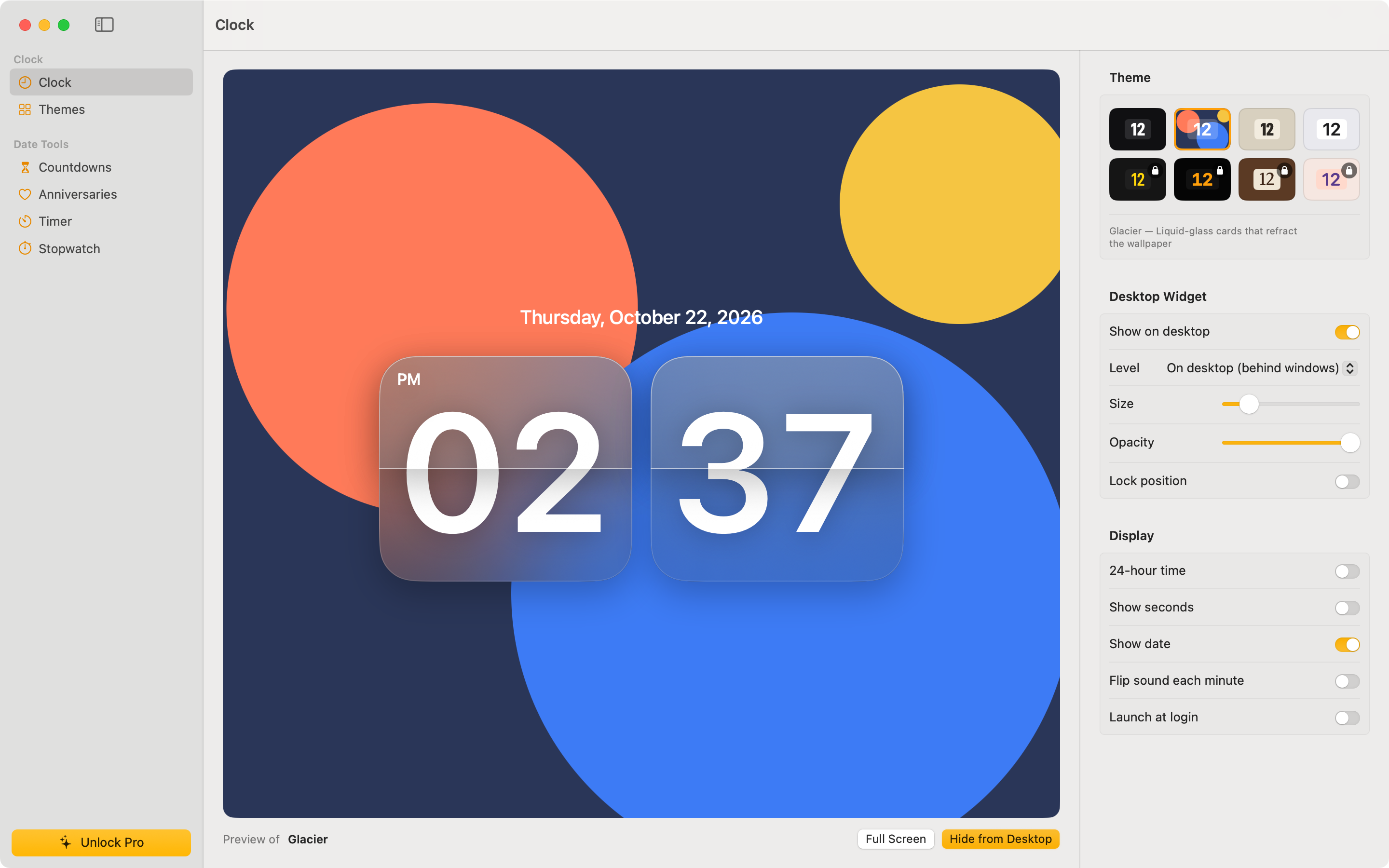
A flip clock for your Mac desktop, menu bar, widgets and full screen, with countdowns, anniversaries (including lunar dates), a focus timer and a stopwatch.
Support
Questions, bug reports or feature ideas: tongduoctuvien@gmail.com
Please include your macOS version and, for bugs, what you were doing when it happened.
Frequently asked questions
How do I add the widgets? Right-click the desktop, choose Edit Widgets…, search for “Flipwise” and drag a Clock, Countdown or Anniversary widget where you want it.
How do I move or hide the desktop clock? Drag it anywhere. Right-click it to change theme, size or level, lock its position, or hide it. You can bring it back from the menu bar item or the Clock screen.
I bought Flipwise Pro on another Mac. How do I get it here? Open Flipwise › Flipwise Pro… and click Restore Purchases, signed in with the same Apple ID.
How do lunar repeats work? Choose “Every lunar year” when editing an event. Flipwise finds the same lunar day and month each year (Vietnamese calendar, UTC+7), which suits Tết, lunar birthdays and memorial days.
Does Flipwise collect my data? No. See the Privacy Policy.
Hỗ trợ (Tiếng Việt)
Góp ý, báo lỗi hoặc đề xuất tính năng: tongduoctuvien@gmail.com
- Thêm widget: chuột phải lên desktop › Edit Widgets… › tìm “Flipwise”.
- Khôi phục gói Pro: Flipwise › Flipwise Pro… › Restore Purchases (cùng Apple ID).
- Lặp theo âm lịch: chọn “Every lunar year” khi sửa sự kiện.